
Pool Automation Comparisons
Compare pool automation platforms by checking equipment compatibility first, then relay capacity, valve control, scheduling, app access, expansion and service support.
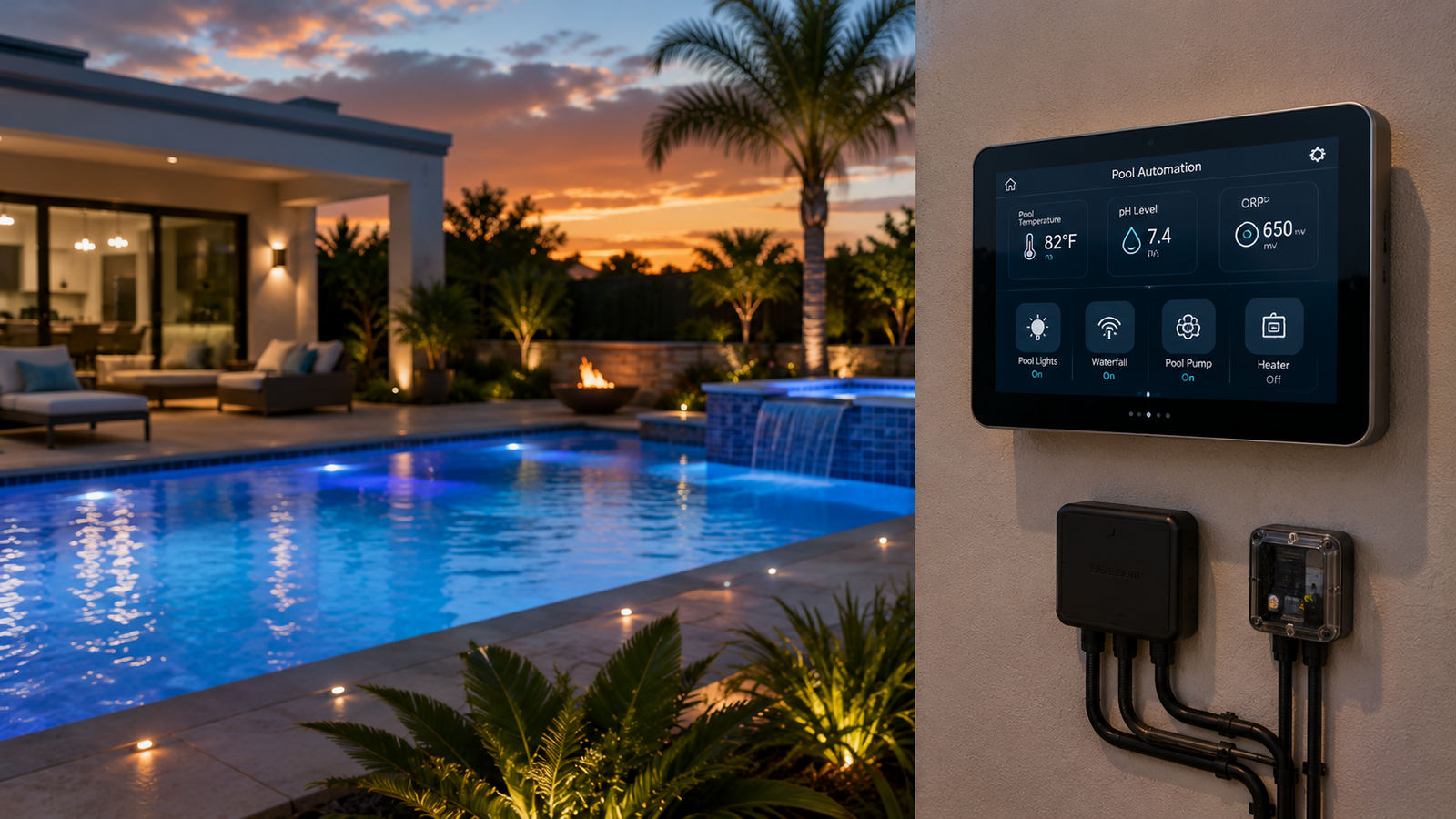
Compare pool automation by system fit
| Decision area | Basic controller | Expandable automation | Verify before buying |
|---|---|---|---|
| Equipment control | Timers and selected relays | Pumps, heaters, lights, valves and features | Exact model/protocol support |
| Remote access | Optional or limited | App and web control commonly included | Network requirements and subscriptions |
| Expansion | Limited outputs | Additional relays, bodies and interfaces | Maximum supported configuration |
| Best fit | Simple pool with few loads | Pool-spa systems and growing equipment pads | Installer and service availability |
What matters before choosing a platform
Equipment compatibility
List every pump, heater, sanitizer, light, valve actuator and water feature. Confirm exact model support, not only brand compatibility.
Control capacity
Compare included relays, valve outputs, sensor inputs and expansion modules against current loads and realistic future additions.
Local and remote control
Check what remains available at the outdoor panel during network outages and which functions require cloud or app access.
Installation path
Evaluate enclosure replacement, electrical work, bonding, antenna placement and whether older controls can be upgraded.
How to evaluate competing systems
Use current manufacturer compatibility charts, installation manuals and enclosure specifications. Compare the exact panel, personality kit, relay count and communication interfaces rather than treating every product in a brand family as interchangeable.
Build a controller requirements list
Inventory loads
Record voltage, amperage and control method for each device.
Map operating modes
Document pool, spa, heating, cleaning and water-feature combinations.
Allow expansion
Reserve capacity for likely lighting, sanitation or feature additions.
Confirm service
Choose a platform local technicians can install, update and troubleshoot.
Frequently asked questions
Can one automation system control equipment from different brands?
Sometimes, but compatibility is model-specific. Verify supported pumps, heaters, lights, valves and communication protocols before choosing a controller.
What is the difference between relay control and digital communication?
A relay generally switches equipment on or off, while a supported digital connection can expose speed, temperature, status or diagnostic controls. The available functions depend on both the controller and connected equipment.
Can pool automation control valves?
Many systems can operate motorized valve actuators for pool, spa and water-feature modes. Confirm how many valve outputs are included and whether expansion hardware is required.
Does pool automation work without internet service?
Core schedules and local controls often continue at the equipment pad, but remote app access normally depends on a working network and internet connection. Confirm the behavior of the specific platform during an outage.
Can an older pool be upgraded with automation?
Many existing pools can be retrofitted, although electrical capacity, enclosure space, equipment compatibility and wiring condition may affect the scope. Installation should be planned by a qualified pool professional and electrician.
How many relays should a pool automation panel have?
Count every independently switched load, then allow room for likely additions such as lighting, a booster pump or water feature. Variable-speed pumps may use a communication connection rather than consuming a relay for every speed.
Should pool automation be installed by a professional?
Yes for line-voltage wiring, bonding, load calculations and code compliance. A professional can also verify that the selected controller supports the existing equipment.
Are smart-home integrations the same as manufacturer app control?
No. Manufacturer apps typically provide the deepest equipment control, while voice assistants or third-party platforms may expose only selected functions. Integration availability can change, so verify current support before purchase.
Related Pool Equipment Guide resources
Use the result carefully
Choose the automation platform that matches the actual equipment pad, control capacity and future expansion plan. Confirm exact compatibility and installation requirements before purchasing.