Pool Automation Troubleshooting Guide
Use a safe, layered process to separate app and network problems from configuration, communication, relay, sensor and equipment faults.
What pool owners should know first
The key principles below help separate routine ownership tasks from model-specific or professional service work.
Check local control first
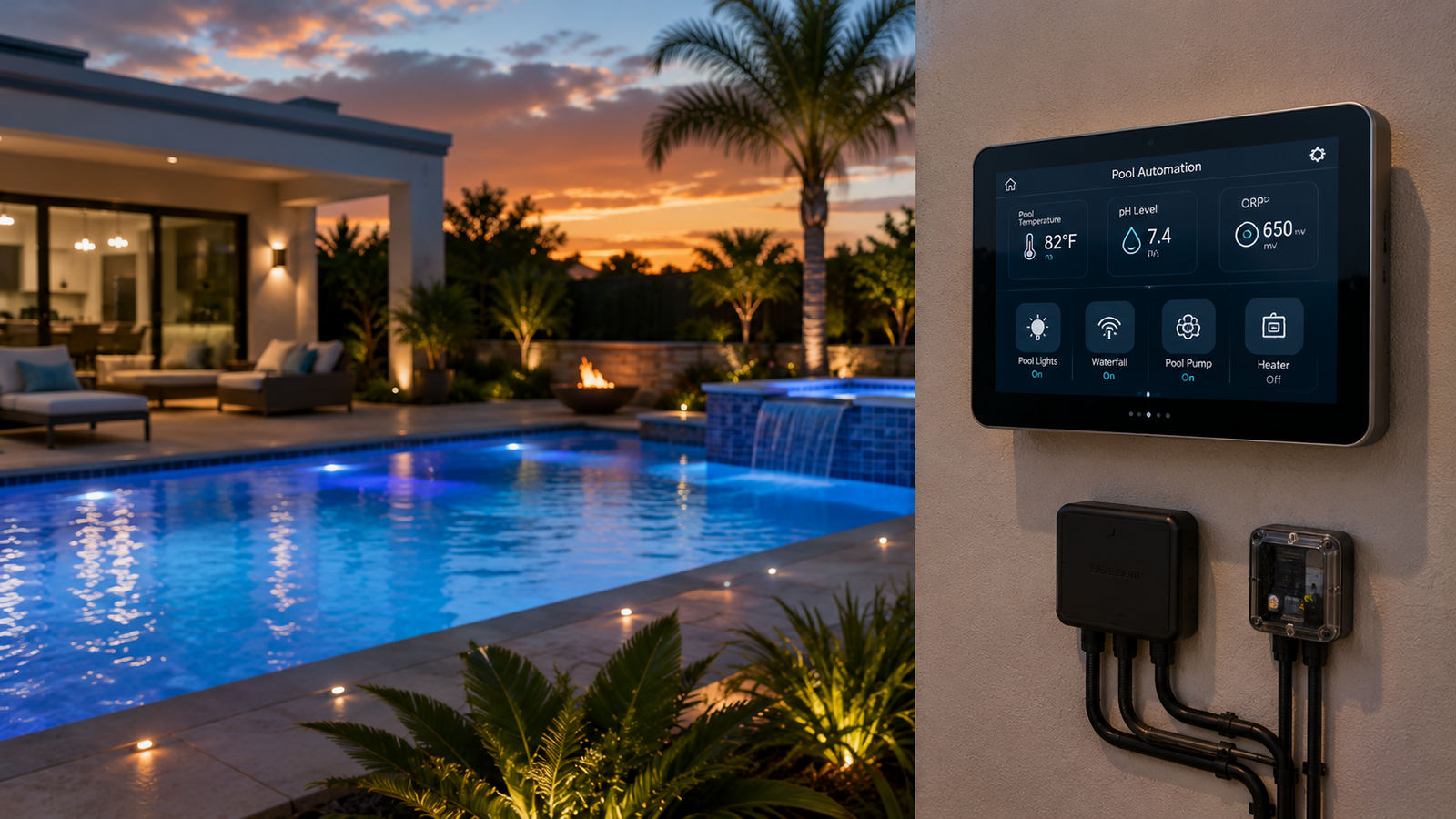
If the outdoor panel works but the app does not, focus on account, network or cloud connectivity.
Read status before resetting
Record error messages, LEDs, circuit state and recent changes before power cycling.
Respect electrical boundaries
Do not open energized panels or bypass safety interlocks unless qualified and authorized.
App or connectivity problems
Use these points as a practical decision and maintenance framework, then follow the exact manual for your equipment.
Confirm local operation
Test the command at the physical control panel. This separates equipment control from remote-access issues.
Check network path
Verify router operation, signal strength, gateway or antenna power, account login and service status.
Review updates
Compare controller, app and firmware versions with manufacturer guidance before resetting or re-pairing.
Schedules, relays and communication
Use these points as a practical decision and maintenance framework, then follow the exact manual for your equipment.
Schedule conflicts
Check active modes, egg timers, priorities, freeze protection and overlapping schedules.
Relay output
If the interface shows ON but the load is off, a qualified technician should verify relay operation, breaker status and field wiring.
Digital equipment
For pumps or heaters on communication, inspect addressing, cable connections, supported model settings and device errors.
Valve and sensor faults
Use these points as a practical decision and maintenance framework, then follow the exact manual for your equipment.
Valve actuators
Confirm circuit assignment, manual switch position, rotation limits and mechanical valve freedom.
Temperature sensors
Compare displayed temperatures with a reliable reference and inspect wiring or probe placement if readings are implausible.
Chemistry sensors
Clean, calibrate and manually confirm chemistry before acting on an abnormal automated reading.
Common mistakes to avoid
Frequently asked questions
Why is my pool automation app not connecting?
Check internet service, Wi-Fi signal, controller network status, account credentials and whether local panel control still works. Manufacturer service-status or firmware issues may also be involved.
Why does a scheduled circuit not turn on?
Review time and date, active operating mode, schedule conflicts, freeze protection, egg timers and whether another circuit has priority. Confirm that the schedule is enabled and saved.
Why does the app say equipment is on when it is off?
The controller may have commanded a relay or communicated state without the physical load operating. A breaker, relay, wiring, communication or equipment fault may require professional diagnosis.
Why is a valve actuator moving the wrong direction?
The actuator may be mounted or configured for the opposite travel, or its toggle and stop positions may be incorrect. Follow the actuator and controller setup procedures rather than forcing the valve.
Why is the pool temperature reading wrong?
Compare it with a reliable thermometer, then inspect sensor location, wiring, calibration options and recent plumbing changes. Replace the sensor only after confirming the fault.
Should I reboot the automation controller?
A controlled reboot may clear a temporary software or network issue, but record settings and errors first. Use the manufacturer’s restart procedure and avoid repeated hard power cycles.
Can weak Wi-Fi affect pool schedules?
Local schedules may continue even when remote connectivity is weak, depending on the system. Weak Wi-Fi primarily affects app access, updates and cloud features.
When should I call a service professional?
Call for line-voltage faults, burned relays, water intrusion, repeated breaker trips, gas-heater interlock issues, damaged communication wiring or any problem requiring an energized panel to be opened.
Related Pool Equipment Guide resources
Use the manual, verify conditions and make measured changes
Use a safe, layered process to separate app and network problems from configuration, communication, relay, sensor and equipment faults. Match every procedure to the exact equipment model, pool configuration and local requirements. Stop and use qualified service whenever the task involves hazardous voltage, gas, combustion, refrigerant, structural work or an unsafe chemical condition.