All Pool Automation
Explore pool automation for pumps, heating, sanitizing, lighting, valves and water features, including app control, scheduling and compatibility.
A practical route through pool automation
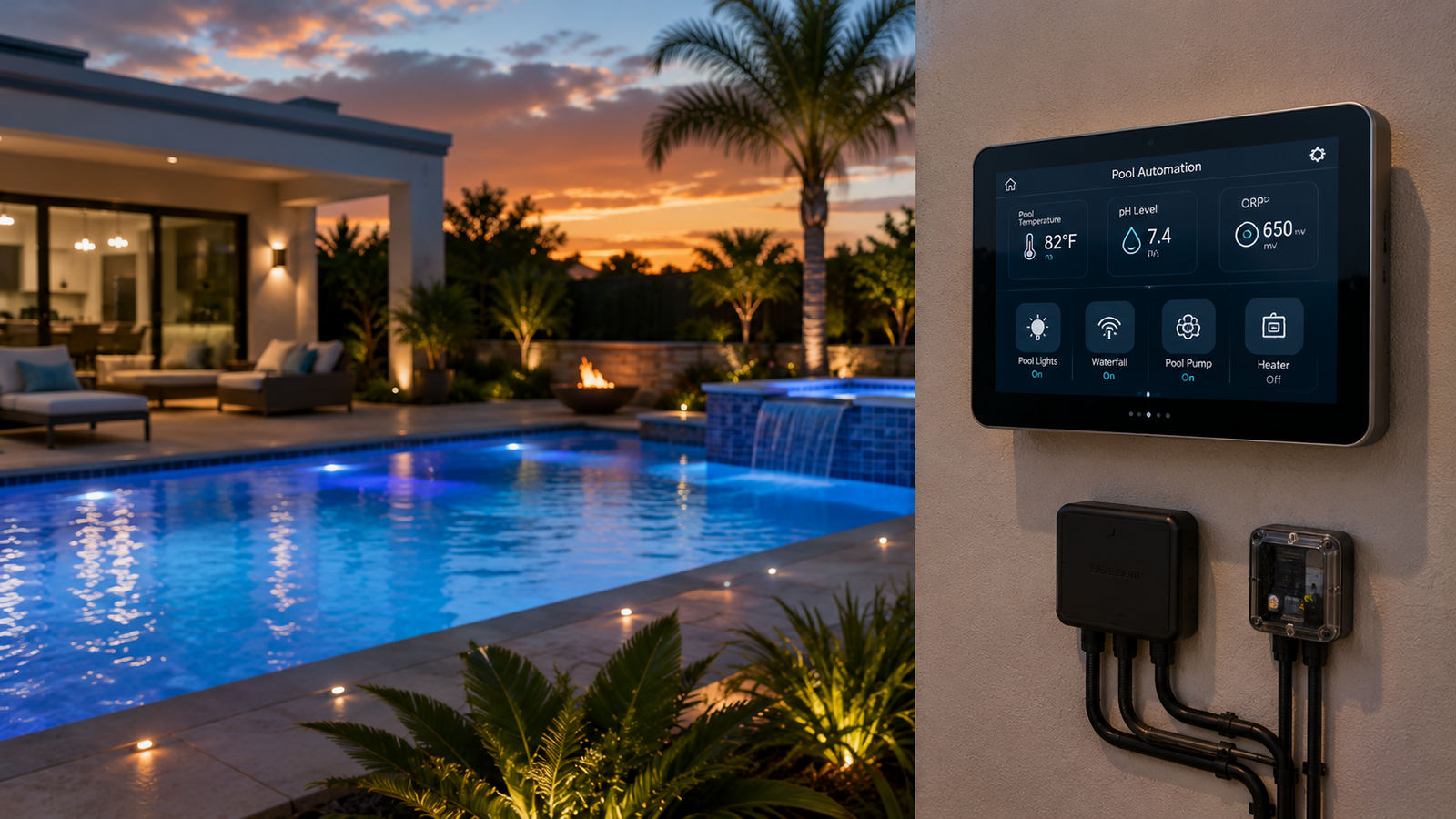
Pool automation can coordinate pump speeds, heating, sanitizing, lighting, valves and water features from schedules, a wall panel or an app. The most important decision is not the app—it is compatibility with the equipment already on the pad.
Define compatibility
Record pool type, dimensions, surface, plumbing, electrical service and existing equipment before comparing features.
Compare maintenance
Consider cleaning, consumables, service access, replacement parts and the skills required for safe upkeep.
Plan equipment together
Confirm that flow, controls, connections and operating ranges work with the rest of the pool system.
What this category covers
Use these sections to narrow the equipment or information path that fits your pool.
Entry-level controllers
Control a small number of connected devices and basic schedules.
Whole-pad automation
Coordinate pumps, heaters, valves, lights, sanitizers and water features.
App and remote access
Change schedules, modes and set points from a supported phone or web interface.
Valve automation
Move water between pool, spa, cleaner and water-feature circuits automatically.
Chemical and sanitizer integration
Adjust supported salt systems or chemical-control equipment within safe operating limits.
Expansion modules
Add relays, valve actuators or communication capacity as the equipment pad grows.
What to verify before buying
Equipment ecosystem
List every pump, heater, light, chlorinator and valve that must communicate with the controller.
Relay and circuit capacity
Count current loads and allow room for realistic future additions.
Network reliability
Place gateways and antennas where the pad can maintain a stable connection.
Professional installation
Automation panels involve line voltage, bonding and configuration; qualified installation is strongly recommended.
Compare the main decision areas
| Decision | What to check | Why it matters |
|---|---|---|
| Compatibility | Dimensions, voltage, connections, controls and operating range | Prevents mismatched equipment and unsupported features |
| Capacity | Pool volume, flow, load, climate and usage | Ensures the equipment can handle realistic peak demand |
| Maintenance | Cleaning steps, consumables, access and replacement parts | Shapes long-term cost and reliability |
| Installation | Plumbing, electrical, bonding, permits and qualified trades | Supports safe, code-compliant operation |
Use a system-first buying process
Begin with the pool and equipment-pad facts, then compare products that meet those constraints. Review manufacturer manuals before purchase because model families can differ in voltage, flow limits, installation clearances, communication protocols and maintenance procedures.
Common category-index mistakes
Frequently asked questions
What equipment can pool automation control?
Depending on the system, automation can control pumps, heaters, lights, valves, sanitizers, water features and some chemical-management equipment.
Will pool automation work with equipment from different brands?
Sometimes, but advanced communication features are often strongest within one ecosystem. Confirm each model and communication protocol before buying.
Does pool automation save energy?
Scheduling and lower pump speeds can reduce unnecessary operation, but savings depend on the equipment, settings and climate.
Can I add automation to an existing pool?
Yes, many systems are designed for retrofit installations. The available power, panel space, communication wiring and equipment compatibility determine the scope.
What happens if Wi-Fi goes down?
Most systems retain local schedules and panel controls, but remote app access may be unavailable until connectivity returns.
How many relays do I need?
Count each independently switched load and include spare capacity for future equipment. Variable-speed pumps may use data communication rather than a simple relay.
Should automation control chemical feeders?
Only when the controller and feeder are designed to work together and required flow-safety interlocks are installed.
Related Pool Equipment Guide resources
Build a compatible shortlist
Use the category map above to identify the right equipment type, then verify capacity, installation requirements and compatibility against current manufacturer documentation before purchasing.